
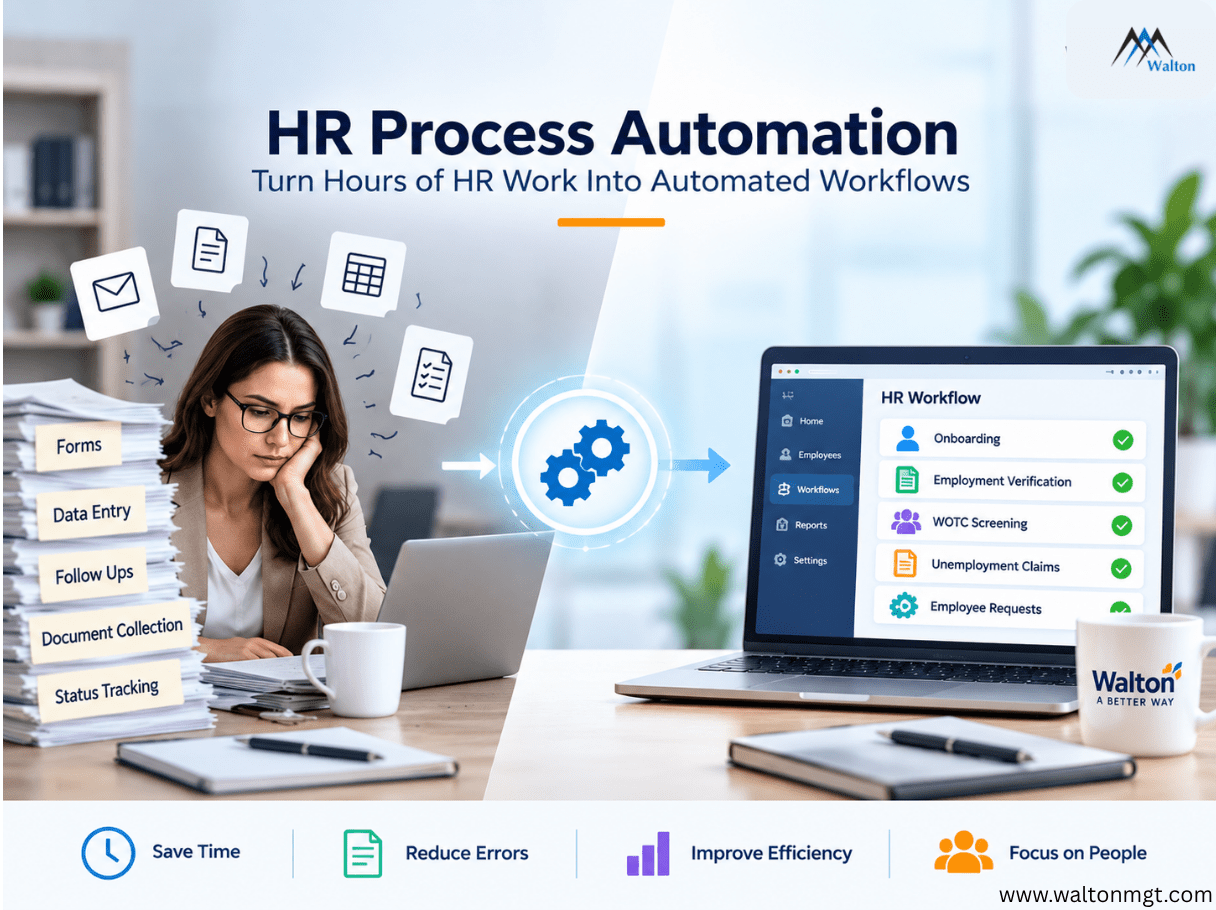
HR teams can lose hours to routine work such as checking requests, entering information across systems, sending reminders, collecting documents, and tracking tasks. HR software can automate many of these repetitive processes, connecting tasks into workflows that trigger actions, move information, send notifications, and flag exceptions automatically. Instead of spending time coordinating routine administrative work, HR teams can focus more on employee support, problem-solving, and decisions that require human judgment. The result is a more efficient HR operation with fewer manual steps, less repetitive work, and better visibility into ongoing processes.
What Is HR Process Automation?
Understanding the difference between automating a task and automating a process helps explain where HR Software creates the most value. A single automated action may save a few minutes, while a connected workflow can reduce manual work across an entire process.
HR process automation uses technology to handle repetitive HR tasks and move information through defined workflows with less manual effort.
A simple automated task might send an email when an employee hasn’t completed a form. A complete workflow goes further. One event can trigger several connected actions, such as collecting information, sending forms, updating systems, tracking progress, and routing exceptions to HR.
That distinction matters because connected workflows reduce the manual coordination required to complete routine processes.
Why Manual HR Processes Become a Bigger Problem as Companies Grow
As organizations grow, HR processes often become more complicated even when the underlying tasks stay the same. More employees, systems, requests, and handoffs can turn small administrative activities into recurring operational problems. Manual HR processes can become particularly difficult to scale as workloads increase, creating more opportunities for delays, errors, and duplicated work.
Manual processes can work when a company is small. As the workforce grows, the same tasks occur more often and usually involve more systems.
HR may work across an HRIS, ATS, payroll platform, benefits system, onboarding software, and reporting tools. When those systems don’t exchange information effectively, staff may have to enter the same data multiple times, check statuses, and follow up manually.
The result can be:
- Duplicate data
- Delayed responses
- Missed follow-ups
- Inconsistent records
- More opportunities for errors
A five-minute task repeated hundreds of times becomes a high operational cost. HR operations automation helps reduce that repetitive coordination.
Which HR Processes Are Good Candidates for Automation?
Not every HR activity needs automation. The strongest opportunities are usually routine processes where the same steps happen repeatedly, and the outcome can be defined in advance.
The best candidates usually have:
- High volume
- Repetitive steps
- Predictable rules
- Frequent handoffs
- Repeated data entry
- Regular reminders
- Clear start and end points
- Digital information that can move between systems
A simple test is to ask: How often does this process happen, how much HR time does it consume, and how much of it follows the same pattern?
If the answer is “often” and “mostly the same,” it’s worth examining for automation.
How an Automated HR Workflow Works
Once a process has been identified, the next step is understanding how automation moves it from start to finish. The exact steps depend on the HR process, but the basic approach is similar: information enters the system, technology processes it according to defined rules, and the results are tracked so HR can see what requires attention.
Data → Processing → Automation → Alerts → Reporting
Data: The workflow starts with the information needed for the process. For example, Walton’s solutions use payroll data to support its WOTC, Verification of Employment, Unemployment Insurance, and workforce analytics solutions.
Processing: The system processes the information according to the requirements of the specific workflow. Walton’s ForeSite platform is designed to process large volumes of data from multiple sources and streamline these HR services.
Automation: Once the required information is available, technology can handle defined steps without requiring HR to complete each one manually. For example, Walton automates WOTC screening and Verification of Employment processes.
Alerts: Automated notifications can keep teams informed about pending tasks or other important activity. Walton’s platform provides push alerts for critical WOTC tasks and items that require attention.
Reporting: Completed activity and relevant data can be tracked through reporting and analytics. Walton’s platform provides reporting for its solutions and workforce analytics that help businesses understand workforce trends and make informed decisions.
Manual Process | Walton’s Automated Approach |
HR staff manually review information | Data is processed through Walton’s technology |
WOTC screening requires manual steps | WOTC screening can be automated within the hiring workflow |
Employment verification requests require manual handling | Verification requests can be processed through Walton’s automated VOE solution |
Teams manually monitor routine activity | Automated alerts can highlight important tasks and updates |
Workforce information is difficult to analyze across processes | ForeSite provides reporting and workforce analytics |
The goal isn’t to remove HR from the process. It’s to automate defined, repetitive steps so teams spend less time on manual administration and have better visibility into the work that still requires attention.
5 HR Workflows That Can Take Hours Off Your Team's Plate
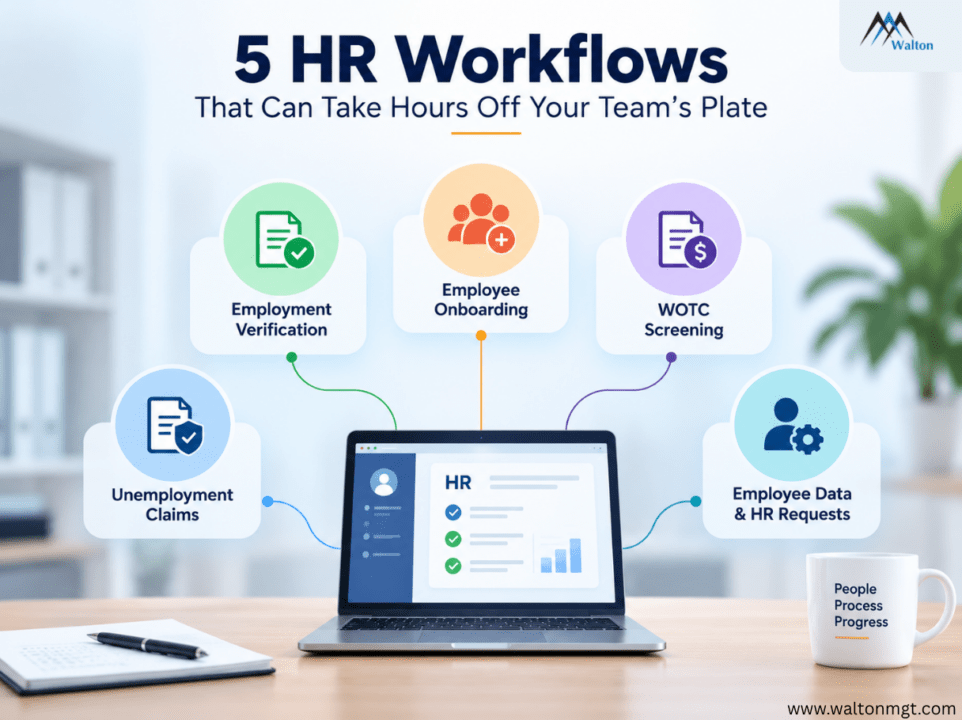
Some HR processes are especially well suited to automation because they involve recurring requests, predictable steps, or multiple administrative handoffs. These examples show where automated HR workflows can have a practical impact.
1. Employee Onboarding
Onboarding can involve forms, approvals, payroll setup, benefits information, training, IT requests, and notifications.
With onboarding automation, a new-hire event can trigger the required tasks and route them to the right teams. Missing information can generate an alert instead of requiring HR to check every step manually.
2. Employment Verification
Employment verification often requires locating records, responding to requests, documenting results, and checking status.
Employment verification automation can route routine requests through a defined process while reducing repeated data entry and manual follow-ups. Walton’s Verification of Employment focuses on automating this process.
3. WOTC Screening
Work Opportunity Tax Credit screening can be connected directly to the hiring process.
A hiring event can trigger eligibility questions, collect required information, start screening, and track the result. Walton’s Work Opportunity Tax Credit solution is built around automated WOTC workflows, reporting, and notifications.
4. Unemployment Claims Administration
Unemployment claims can involve information gathering, documentation, deadlines, responses, and status tracking.
Unemployment claims automation can route cases, trigger reminders, organize information, and highlight claims that require attention. Walton’s Unemployment Claims Management service addresses this area.
5. Employee Data and HR Requests
Routine requests for information updates, documents, approvals, and status checks can create a steady stream of administrative work.
An automated workflow can route a request, perform the appropriate action, and update the requester as the process moves forward. Self-service can also reduce straightforward requests reaching HR in the first place.
Why HR Automation Depends on Connected Systems
Automation becomes much more useful when the systems involved in a process can exchange information. Without that connection, HR may still have to move data manually between platforms even after other parts of the workflow have been automated.
An HRIS may store employee information, payroll manages compensation, an ATS manages candidates, and onboarding software handles new-hire tasks. Integrations, APIs, and data synchronization allow information to move between these platforms without repeated manual entry.
The principle is simple:
If someone still has to copy and paste information between systems, part of the process is still manual.
Walton’s HR technology platform connects with leading payroll, applicant tracking, and onboarding providers to support connected HR processes.
Where Human Judgment Still Belongs
Automation can handle predictable activity, but not every HR situation should follow a predefined rule. Good HR workflow management leaves room for people to assess cases where context, discretion, or communication matters.
HR professionals should remain involved when a situation requires:
- A complex decision
- An exception to normal rules
- Discretion or empathy
- Escalation
- Sensitive communication
- Context that data alone can’t provide
A well-designed workflow doesn’t eliminate human involvement. It sends the right cases to the right people at the right time.
How to Automate an HR Process Without Creating More Work
Choosing the right HR Software is only part of successful HR automation. The process itself should be clear, necessary, and measurable before technology is added.
1. Choose One High-Value Process
Start with a repetitive workflow that consumes significant HR time.
2. Map the Current Process
Document every email, spreadsheet, approval, system update, reminder, and handoff.
3. Remove Unnecessary Steps
Remove duplicate approvals, unnecessary spreadsheets, and redundant data entry before automating them.
4. Define the Rules
Identify the trigger, required information, conditions, actions, notifications, and exception paths.
5. Connect the Systems
Make sure the required information can move between the HRIS, payroll, ATS, onboarding platform, benefits system, or other relevant tools.
6. Test the Workflow
Start with a controlled group or limited process. Fix incorrect rules, missing data, failed notifications, and unexpected exceptions before expanding.
7. Measure the Result
Compare the new workflow with the original process to determine whether it actually improved efficiency.
Fix the process first. Automate second.
How to Measure Whether HR Automation Is Working
Automation should produce a measurable improvement, not simply create the impression that work is moving faster. Tracking the right metrics shows whether a workflow is saving time, reducing manual effort, and producing more consistent results.
Metric | What to Measure |
Processing time | Average completion time |
HR hours | Administrative time spent |
Manual touches | Number of human actions |
Error rate | Corrections and missing information |
Completion rate | Work completed within the target time |
Response time | How quickly requests move forward |
Exception rate | Cases requiring human intervention |
These measures can also reveal where additional improvements may be worthwhile. Workforce Analytics platform can help organizations bring workforce data together for reporting and business decisions.
The Biggest HR Automation Mistake? Automating a Broken Process
Before automating a workflow, it’s worth questioning whether every existing step is necessary. Otherwise, technology may simply make an inefficient process run faster.
Imagine a request that starts with an email, moves to a spreadsheet, waits for manager approval, gets entered into another system, and ends with a confirmation email.
Automating every step may make the process faster, but it can also preserve unnecessary work.
Before automating, ask:
- Does this approval need to exist?
- Is the spreadsheet necessary?
- Can two system updates become one?
- Can the employee provide the information directly?
Simplify the workflow first. Then automate what remains.
When Should You Expand Automation to Other HR Processes?
Once the first workflow is working reliably, its results can help determine whether automation should be expanded elsewhere. The goal isn’t to automate everything at once. It’s to apply what worked to the next process where it can deliver meaningful value.
Look for another workflow that still consumes substantial HR time, creates avoidable errors, affects employees, or involves several manual handoffs.
A practical cycle is:
Choose → Measure → Improve → Expand
This makes HR automation an ongoing improvement process rather than a one-time technology project.
Conclusion
HR process automation isn’t about making HR completely automated. It’s about using HR software to reduce repetitive administration, simplify routine processes, and give HR teams more time to focus on work that requires human judgment. The best results come from identifying the right processes, removing unnecessary steps, and automating predictable work.
If your HR team is spending too much time on repetitive administrative tasks, Walton can help identify opportunities to streamline and automate key HR processes. Explore www.waltonmgt.com to see how automation can reduce manual work and improve the way your HR operations run.
FAQs About HR Process Automation
HR process automation uses technology to handle repetitive tasks and move information through defined workflows with less manual effort.
Common candidates include onboarding, employment verification, WOTC screening, employee requests, notifications, data updates, and unemployment claims administration.
It reduces manual data entry, follow-ups, status checks, and repetitive actions. Connected systems can also move information without requiring HR to transfer it manually.
Yes. Integrations and APIs can connect automation workflows with an existing HRIS and other HR systems.
No. Automation handles predictable administrative work while HR remains responsible for decisions, exceptions, communication, and sensitive situations.
Start with a frequent, repetitive process that consumes significant time and has clear, measurable outcomes.
Compare the automated workflow with the previous manual process. Look at time saved, HR hours returned, errors reduced, manual steps eliminated, completion rates, and follow-ups required.