
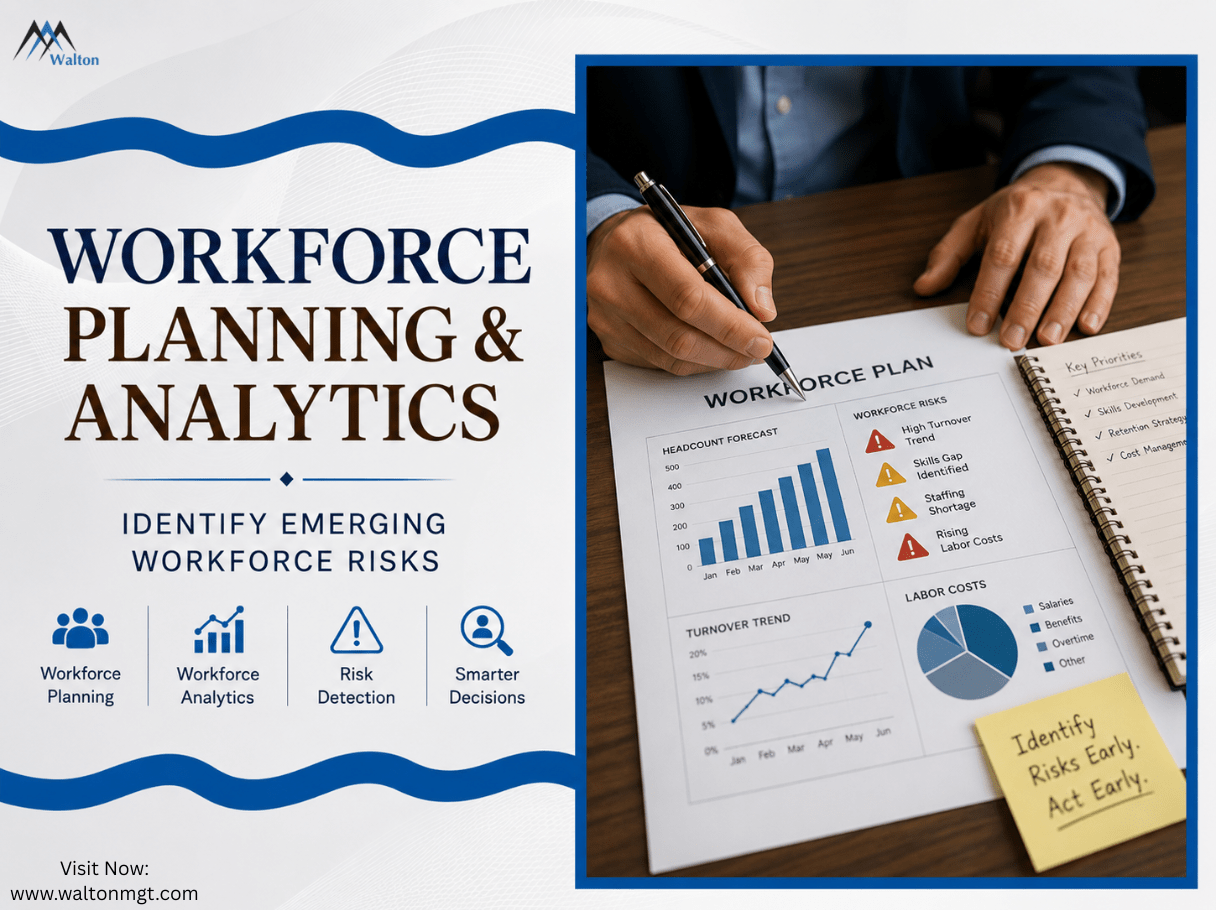
Workforce risks often start with small changes, such as rising turnover, staffing shortages, skills gaps, or increasing labor costs. By the time these issues become obvious, they can be costly and disruptive.
That’s where workforce planning and analytics can help. Planning looks ahead at future workforce needs, while analytics reveals current trends and warning signs. Together, they help businesses identify emerging risks earlier and make better workforce decisions.
What Is Workforce Planning and Analytics?
Workforce planning and analytics work together to help businesses understand their current workforce and prepare for future needs. Workforce planning looks at staffing levels, skills, headcount, hiring, growth, and turnover, while workforce analytics uses workforce data to identify patterns and trends that may signal potential risks. The right workforce analytics tools can make this data easier to track and turn into useful insights.
Good workforce planning isn’t just about filling open positions. It can help businesses identify staffing gaps, prepare for skills shortages, manage headcount, and align workforce needs with broader business goals. HR software and the right HR solution can also help teams organize workforce information, reduce manual work, and make better decisions based on what the data shows. Together, these approaches give HR teams a clearer picture of where the workforce is today, where it may be heading, and what risks they may need to address.
How Do Workforce Planning and Analytics Work Together?
Workforce planning and analytics work best when they’re connected. Planning looks ahead at the people, skills, and staffing levels a business may need, while analytics shows what’s happening across the workforce today. Together, they give HR teams a clearer view of where the workforce is heading.
For example, workforce planning analytics can reveal rising turnover in a key department while workforce planning helps determine how that trend could affect future staffing needs. This allows businesses to adjust hiring, training, retention, or staffing plans before a workforce gap becomes a bigger problem.
The goal is simple: use workforce data to make better planning decisions, not just create another report.
How Do Workforce Planning and Analytics Work Together?
Workforce planning and analytics work best when they’re treated as two parts of the same process. Workforce planning looks ahead and asks what people, skills, and staffing levels the business may need. Workforce analytics looks at current and historical data to show what’s actually happening across the workforce. When these insights come together, HR teams can make planning decisions based on real workforce trends instead of guesswork.
For example, a company may be planning to expand but notice through its analytics that employee turnover is already increasing in several key roles. That information can change the workforce plan. HR may need to hire earlier, improve retention efforts, or develop existing talent before the expansion puts even more pressure on those teams.
Walton Management helps businesses use workforce analytics and data-driven insights to better understand workforce trends and make more informed planning decisions. The goal is simple: use workforce data to make better planning decisions, not just create another report.
What Emerging Workforce Risks Can Analytics Help Identify?
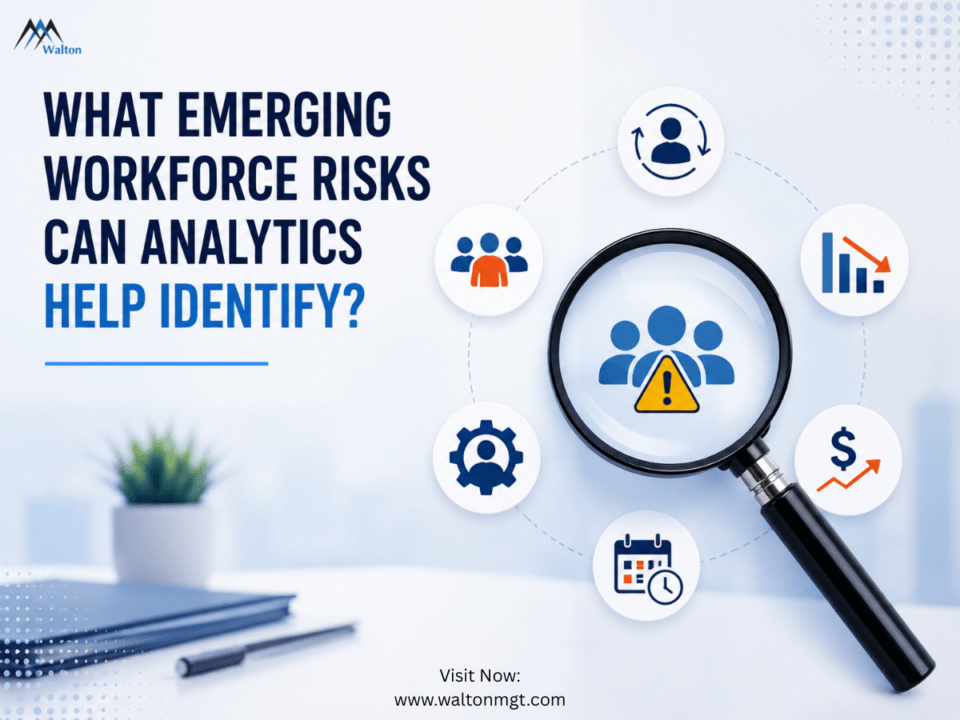
Workforce risks can build quietly before they become obvious. A steady increase in turnover, a growing headcount gap, or difficulty finding people with the right skills may not seem urgent at first. But when these patterns continue, they can affect productivity, costs, hiring, and business growth.
This is where workforce analytics becomes especially useful. By tracking workforce data over time, HR teams can spot changes and identify areas that need attention. Common emerging workforce risks include:
1. Rising Employee Turnover
A rise in employee turnover can be an early warning sign of a growing workforce risk. When turnover increases in a specific department, location, or role, it may point to staffing pressure, heavy workloads, hiring challenges, or retention problems. Workforce analytics helps HR teams track these patterns over time and compare turnover with headcount, hiring activity, retention, and other workforce metrics. This gives businesses a clearer view of where problems may be developing so they can adjust their workforce plans before turnover creates larger staffing challenges. Businesses dealing with rising turnover can also explore these employee retention strategies for enterprise companies to strengthen retention efforts.
2. Staffing Shortages and Headcount Gaps
Staffing shortages can put pressure on employees and make it harder for a business to keep up with demand. Workforce analytics can help HR teams compare current headcount with staffing needs and identify where gaps are starting to appear. Tracking hiring activity, turnover, workload, and workforce demand can also show whether a shortage is temporary or becoming a longer-term issue. With better visibility into these patterns, businesses can improve headcount planning and adjust their staffing strategy before a small gap turns into a bigger workforce risk.
3. Skills Gaps
A business can have enough employees on paper and still face a serious skills gap. As roles change and business needs evolve, the skills available across the workforce may no longer match what the company needs next. Workforce analytics can help HR teams identify where critical skills are missing by comparing current workforce capabilities with future staffing and talent needs. This insight can support better hiring, training, workforce planning, and talent management, helping businesses prepare for skills shortages before they affect growth or productivity.
4. Rising Labor and Unemployment Costs
Rising labor costs can become a workforce risk when staffing changes, turnover, overtime, or unemployment claims start putting pressure on the budget. Workforce analytics can help businesses track these changes and see how workforce trends may be affecting costs. This can support better unemployment cost management and help HR teams identify areas where unemployment cost control may be needed. By connecting workforce data with financial planning, businesses can make smarter staffing decisions and prepare for potential cost increases instead of reacting after they happen.
5. Absenteeism and Workforce Availability
Changes in absenteeism can be another early warning sign for HR teams. A sudden or sustained increase in absences can leave teams short-staffed, increase workloads, and put extra pressure on available employees. Workforce analytics can help businesses track absenteeism and workforce availability over time, making it easier to spot unusual patterns and identify areas that may need attention. When these insights are included in workforce planning, HR teams can prepare for staffing gaps and make adjustments before workforce availability becomes a bigger operational risk.
6. Changing Workforce Demand
Workforce needs can change quickly as a business grows, restructures, adopts new technology, or responds to changes in its market. If hiring plans don’t keep pace with those changes, businesses can end up with too few people in critical roles or the wrong skills in key areas. Workforce analytics helps HR teams track changes in workforce demand, hiring patterns, and staffing levels so they can adjust plans earlier. Using these insights as part of workforce forecasting can help businesses prepare for future needs and reduce the risk of being caught off guard by changing demand.
Which Workforce Metrics Should HR Teams Monitor?
HR teams don’t need to track every number they can find. The goal is to focus on workforce metrics that can reveal meaningful changes in staffing, retention, costs, and workforce availability. The right HR software can help teams organize these metrics and make it easier to spot patterns across the workforce. Looking at these metrics together can give businesses a clearer picture of where risks may be developing.
Workforce Metric | Risk It Can Help Identify |
Employee turnover | Retention problems |
Headcount | Staffing gaps |
Time to fill | Hiring difficulties |
Absenteeism | Workforce availability issues |
Workforce costs | Rising labor expenses |
Unemployment claims | Potential cost increases |
Skills availability | Future skills gaps |
The real value comes from connecting these metrics rather than looking at each one on its own. For example, rising turnover combined with longer hiring times and falling headcount could point to a staffing risk that needs attention. The right HR software can help teams bring these workforce metrics together, making it easier to spot patterns and use the insights for better workforce planning and decision-making.
How Can Predictive Workforce Analytics Help Identify Risks Earlier?
Predictive workforce analytics helps HR teams look beyond what’s happening today and identify patterns that could point to future workforce risks. By analyzing workforce trends such as turnover, staffing levels, hiring activity, and workforce demand, businesses can spot changes that may require attention before they become larger problems. For a broader look at how technology is changing workforce analytics, see how AI in HR is improving workforce analytics and UI claims management.
This can help HR teams prepare for potential turnover, staffing shortages, skills gaps, and changing workforce needs. It doesn’t mean predicting the future perfectly. Instead, it gives businesses better information for workforce forecasting and helps them make earlier decisions about hiring, training, retention, and staffing.
How Workforce Planning Can Help Manage Unemployment Costs
Workforce changes can affect more than staffing levels. They can also influence unemployment claims and related costs. When turnover rises, or workforce reductions occur, businesses may see changes in claims activity and unemployment expenses. Including these factors in workforce planning can help HR and finance teams prepare for potential cost changes instead of dealing with them after the fact.
Strong unemployment cost management also depends on understanding claims patterns and identifying opportunities to reduce costs. Solutions such as unemployment claims management and UI claims management services can help businesses review claims activity, manage responses, and maintain better visibility into unemployment-related expenses. This gives companies another useful data point when planning future workforce needs and budgets. Automation software can also help businesses organize claims-related information and reduce some of the manual work involved in managing workforce data. Businesses can also learn more about how workforce analytics can help reduce unemployment insurance claims and better manage related workforce costs.
Other Factors That Can Influence Workforce Risk
Workforce risk can be influenced by more than turnover, staffing levels, or skills gaps. Hiring costs, labor availability, tax incentives, and location can also shape workforce decisions. Walton Management provides Work Opportunity Tax Credit services as a WOTC provider, helping eligible employers manage the screening and administration process. The WOTC tax credit can also be an important consideration when businesses evaluate hiring costs and workforce planning strategies. Businesses can also consider location incentives when evaluating where to hire or expand based on local workforce conditions.
Bringing these factors into workforce planning gives HR teams a broader view of potential workforce risks and costs. It can also help businesses make smarter hiring and expansion decisions based on both workforce data and the conditions affecting their labor strategy.
Location and Labor Availability
Where a business operates can directly affect its ability to find and retain the right talent. Differences in local labor supply, wages, skills availability, and location incentives can all influence workforce planning decisions. By analyzing these factors alongside workforce data, businesses can identify areas where hiring may become more difficult or costly. This helps HR teams plan staffing needs more effectively and consider whether changes in hiring locations, recruiting strategies, or workforce allocation may reduce future workforce risks.
How Can HR Teams Turn Workforce Analytics Into Action?
Workforce analytics only becomes valuable when HR teams use the insights to make better decisions. A practical approach can help businesses move from simply monitoring data to identifying risks and responding before they become bigger workforce problems.
Automation software can also help HR teams reduce manual processes and organize workforce information, giving them more time to focus on identifying risks and making planning decisions.
Walton Management also provides Verification of Employment (VOE) solutions that can help businesses automate employment and income verification. Working with a VOE provider can reduce manual verification work and give HR teams faster access to employment information. This type of HR solution can support more efficient workforce processes while allowing teams to focus on broader workforce planning and risk management.
1. Establish a Workforce Baseline
Start by understanding current workforce conditions, including headcount, turnover, staffing levels, hiring activity, and workforce costs. This gives HR teams a clear starting point for measuring future changes.
HR software can also help teams organize workforce information and streamline routine HR processes, making it easier to access the data needed for workforce planning and risk management.
2. Track Trends
Don’t focus on a single report or unusual month. Look at workforce data over time to identify consistent changes in turnover, staffing, absenteeism, hiring, or workforce demand.
3. Identify Potential Risks
Use the data to find departments, roles, or locations showing warning signs. A steady rise in turnover or a growing headcount gap may deserve closer attention before it affects business operations.
4. Investigate the Cause
A workforce metric doesn’t tell the whole story. HR teams should look deeper to understand what’s driving the change. For example, rising turnover could be connected to staffing pressure, hiring challenges, workload, or other workforce conditions.
5. Adjust Workforce Plans
Once a potential risk is understood, use the findings to update hiring, staffing, training, retention, or budget plans. This turns workforce analytics into practical workforce planning that can help the business respond earlier and make more informed decisions.
How Workforce Analytics Software Supports Better Decisions
Managing workforce data manually can make it harder to spot patterns, especially when information is spread across different systems and reports. The right HR solution can bring key workforce information together, while HR software, automation solutions, and automation software can reduce manual processes and improve visibility into important workforce trends. This can make it easier for HR teams to monitor metrics, identify potential risks, and make better workforce decisions.
The right workforce analytics tools can help businesses identify changes in turnover, staffing, retention, workforce costs, and other areas that may affect future planning. Businesses can also explore how HR analytics software supports smarter workforce decisions to better understand how workforce data can support planning and decision-making. Instead of waiting for a problem to become obvious, HR teams can use these insights to adjust hiring, staffing, and retention strategies earlier. That makes workforce analytics a practical part of a proactive workforce planning strategy.
Why Identifying Workforce Risks Early Matters
Workforce risks can become much harder and more expensive to manage once they start affecting daily operations. Rising turnover can leave critical roles open, staffing shortages can increase pressure on existing employees, and skills gaps can slow business growth. Identifying these warning signs early gives HR teams more time to respond.
By combining workforce planning and analytics, businesses can better understand what’s changing across their workforce and prepare for what may come next. From improving retention and headcount planning to managing workforce costs and future staffing needs, early insight can help companies make smarter decisions before emerging risks become bigger problems.
The right HR software can give teams better access to workforce data and help turn those insights into faster, more informed decisions.
Ready to identify workforce risks before they grow? Contact Walton Management and book a demo to see how its workforce analytics and HR technology solutions can help your business make smarter workforce decisions.
Frequently Asked Questions About Workforce Planning and Analytics
Workforce planning and analytics combine future workforce planning with data-driven insights. Workforce planning helps businesses prepare for staffing, skills, and headcount needs, while workforce analytics helps identify patterns and trends in the existing workforce.
Workforce analytics helps HR teams track changes in areas such as turnover, staffing, absenteeism, retention, and workforce costs. These patterns can reveal potential risks early, giving businesses more time to investigate and respond.
Analytics can help identify employee turnover, staffing shortages, headcount gaps, skills gaps, absenteeism, changing workforce demand, and rising workforce costs. Looking at several metrics together can give HR teams a clearer picture of where risks may be developing.
Strategic workforce planning helps businesses prepare for future workforce needs instead of reacting to staffing problems after they occur. It can support better hiring, headcount planning, skills development, and resource allocation.
Workforce analytics gives HR teams data they can use to understand current workforce conditions and identify trends. These insights can help businesses adjust hiring plans, staffing levels, retention strategies, and training based on what the data shows.
Predictive workforce analytics uses workforce data and historical patterns to help businesses identify potential future trends and risks. It can support workforce forecasting and help HR teams prepare for possible turnover, staffing shortages, skills gaps, and changing workforce demand.
Workforce planning can help businesses understand how staffing changes, employee turnover, and workforce reductions may affect unemployment claims and related costs. When combined with unemployment claims management, it can give HR and finance teams better visibility into potential unemployment expenses and support more informed workforce decisions.